Import and export
Export a workflow as a JSON file, and import JSON files to create workflows. Use this to copy a workflow between workspaces, move it to another Flero instance, keep an offline copy, or bring a workflow over from n8n.
Export a workflow
- On the Workflows page, open the card's ⋯ menu.
- Choose Export JSON.
Your browser downloads a file named after the workflow, for example Hourly_contact_sync.json. It holds the workflow's nodes, their settings and the connections between them.
Credentials are stored separately, so their secrets are not in the file.
Import workflows
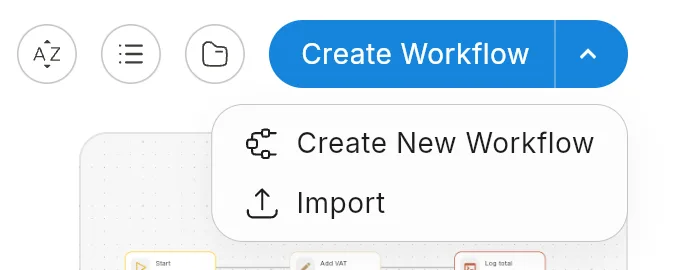
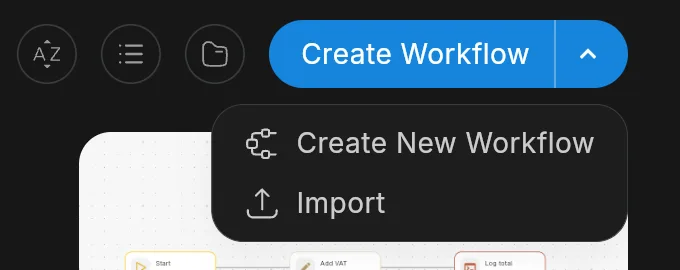
- On the Workflows page, click the arrow on Create Workflow.
- Choose Import.
- Pick one or more
.jsonfiles.
Each file becomes a new workflow in your current workspace. Flero recognises two formats:
| Format | What happens |
|---|---|
| Flero | A file exported from Flero. It is imported as it is. |
| n8n | A workflow exported from n8n. Flero converts it first. See below. |
A file in any other format fails with "Unrecognized workflow format".
When you import several files, Flero imports them one at a time and reports the result: how many succeeded and how many failed.
Importing from n8n
Flero converts an n8n workflow into Flero nodes and connections. If everything maps cleanly, the workflow is created straight away.
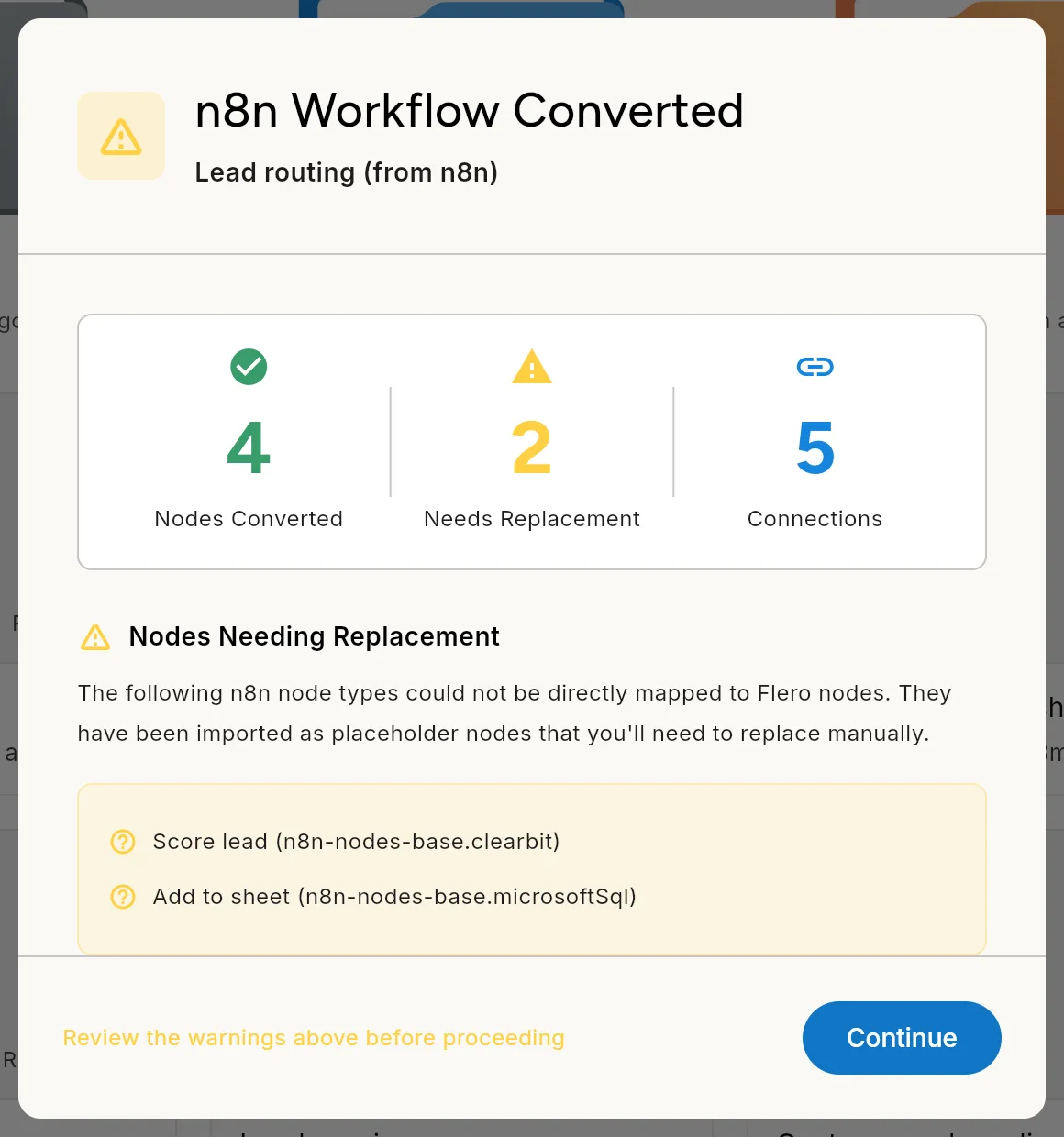
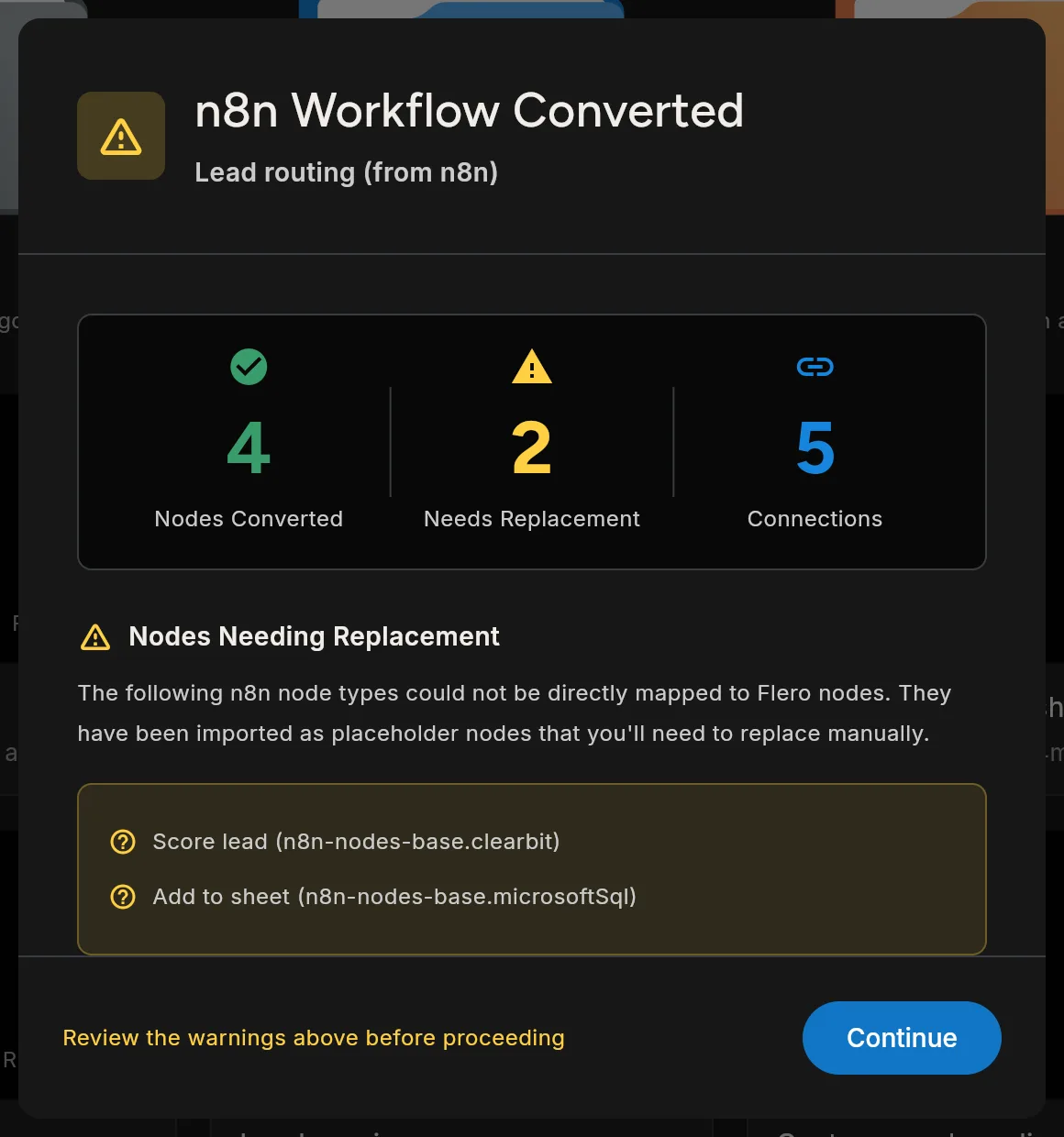
If anything needs attention, Flero shows a summary before it saves:
| Item | Meaning |
|---|---|
| Nodes Converted | n8n nodes that became Flero nodes |
| Needs Replacement | n8n node types with no Flero equivalent. Each one is imported as a placeholder node that you replace by hand. |
| Connections | Connections carried over |
| Expression Conversion Notes | n8n expressions that may need manual adjustment |
Click Continue to create the workflow. Close the dialog to skip that file.
After an n8n import:
- Open the workflow and find the placeholder nodes.
- Replace each with a Flero node that does the same job. See the node catalog.
- Check every expression flagged in the summary. Flero's syntax is described in Expressions.
- Test the workflow in sandbox mode before you activate it.
After any import
- Pick credentials again. If the workflow came from another workspace or instance, its nodes may point at credentials that do not exist here. Open each node that needs one and select or create a credential. See Managing credentials.
- Set workspace variables. If the workflow reads
$envvariables, create them in the new workspace. - Activate when ready. An imported workflow does not run on its triggers until you activate a version. See Versions and activation.
Related
Found something out of date? This page lives in the Flero docs content set.