Archive and restore
Archiving removes a workflow from your lists without destroying it. You can restore it for 30 days. Permanent deletion is a separate, deliberate step.
Archive a workflow
- On the Workflows page, open the card's ⋯ menu.
- Choose Archive. Delete does the same thing outside the Archive tab.
- Confirm. The dialog reminds you that you can restore it within 30 days.
The workflow leaves the All Workflows, Active and Inactive tabs and appears in Archive.
Restore a workflow
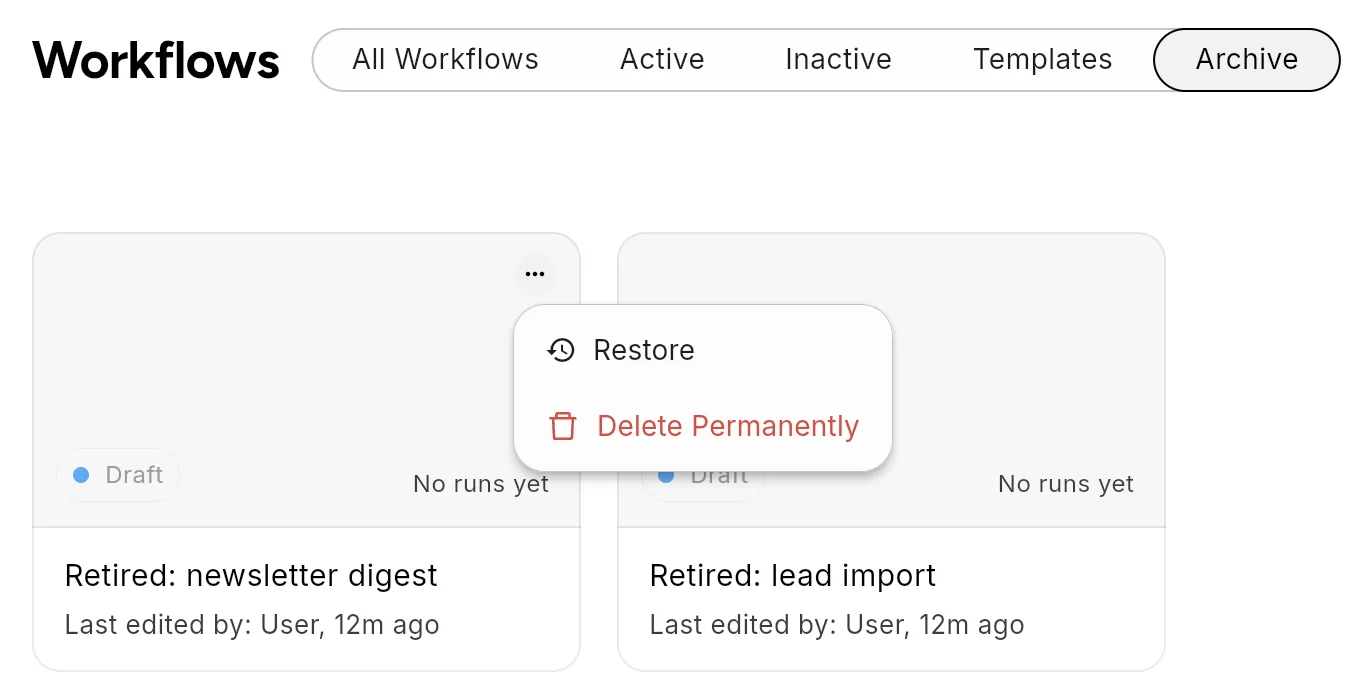
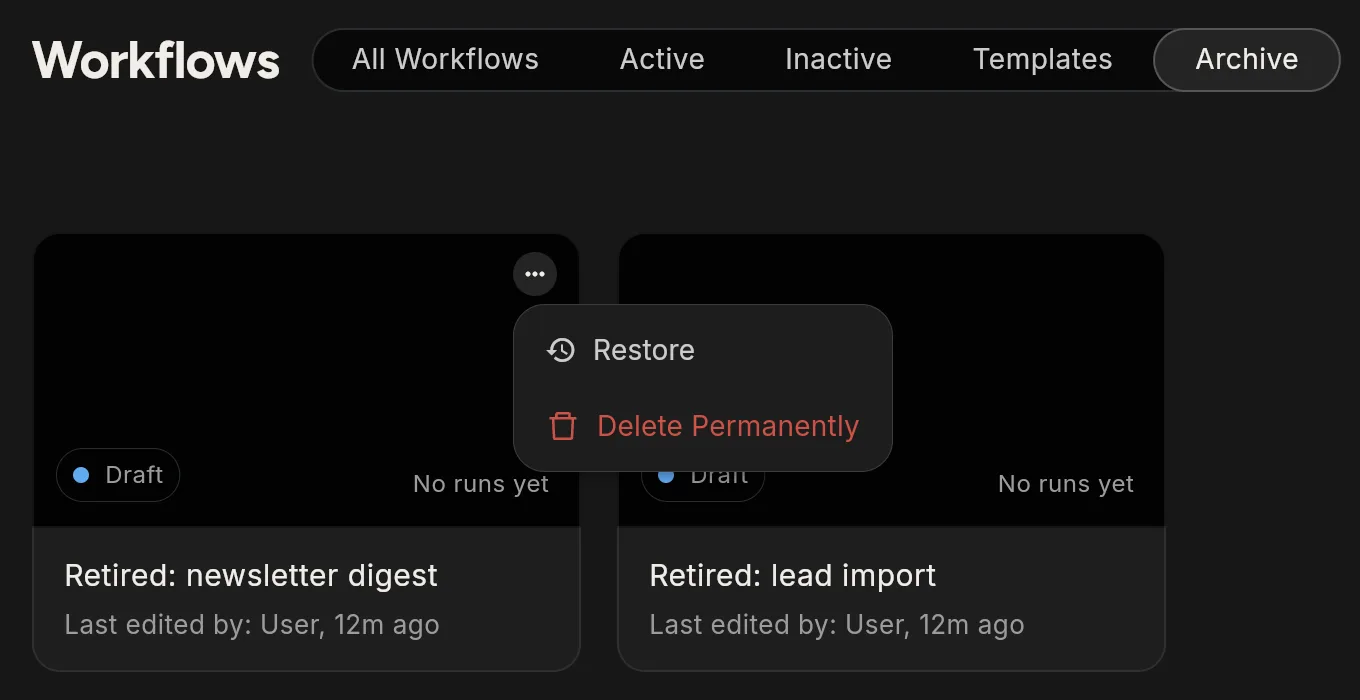
- Open the Archive tab.
- Open the card's ⋯ menu and choose Restore.
The workflow returns to your lists.
Delete a workflow permanently
- Open the Archive tab.
- Open the card's ⋯ menu and choose Delete Permanently.
- Confirm.
This cannot be undone. The workflow's execution history is deleted with it.
Only archived workflows can be deleted permanently. Archive first.
The 30-day window
Archived workflows are kept for 30 days. Treat that as your restore window. After it, Flero can delete the workflow permanently without asking again.
Tips
- Export before you delete. If you might want the design later, use Export JSON first. See Import and export.
- Archiving is not the same as deactivating. To stop a workflow's triggers but keep it in your lists, deactivate its version instead. See Versions and activation.
Related
Found something out of date? This page lives in the Flero docs content set.