Settings overview
Settings holds your personal preferences, your workspace's setup and your organization's policies. Open it from Settings in the sidebar, or from your avatar's profile menu.
The tabs
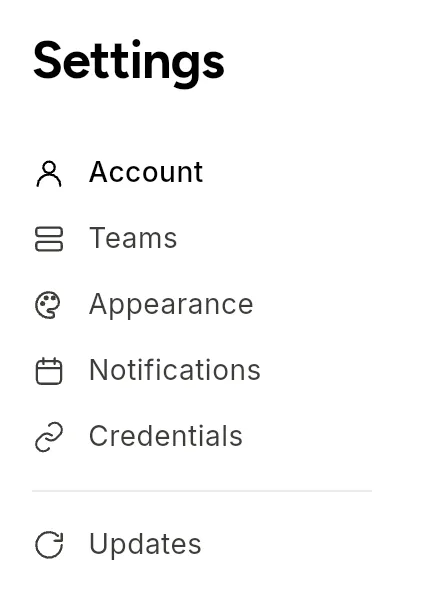
The left-hand list has two groups. Which tabs you see depends on your role.
| Tab | Who sees it | What it holds | Page |
|---|---|---|---|
| Account | Everyone | Profile, language, timezone, password, two-factor authentication, sessions | Account |
| Workspace | Everyone | Your workspaces, workspace details, AI budgets, members, variables | Workspaces |
| Appearance | Everyone | Light, dark or automatic theme | Appearance |
| Notifications | Everyone | Personal email switches and workspace alert rules | Notifications |
| Credentials | Everyone | Saved credentials for connectors and AI providers | Managing credentials |
| Billing & Usage | Organization members | Plan and usage | Billing & usage |
| Security | Organization members | Two-factor requirement, session and password policy | Security & MFA |
| Data & Privacy | Organization members | Retention periods, archival, audit trail | Data & privacy |
| Organization | Organization members | Organization identity, members and settings | Organization settings |
People added to a single workspace see only the first group. Organization members who are not admins see the second group read-only.
Linking to a tab
Each tab has its own address, so you can share a link. For example, /settings?tab=notifications opens Notifications. /credentials opens the Credentials tab.
Related
Found something out of date? This page lives in the Flero docs content set.